Employer Hubs
Building team trust through strategic compromise and beta testing.
Project summary
- Translated user insights and competitor analysis into a defined product concept through diagramming, prioritisation and stakeholder reviews
- Inherited the successor to a failed project, requiring stakeholder management and advocacy to build trust
- Conducted interviews exposing the gap between what clients wanted and what they needed
- Ran a beta test to advocate for the design direction with evidence
- Scaled that design direction across the product
- Organised user testing, getting the whole team involved to build engagement and morale
- Shipped a product that more than doubled application response rates
Jobseekers wanted employer culture, values and qualitative insight
Job seekers were reading job descriptions on the platform, then leaving to research company culture on external sites, and often applying there instead. Career centres measure success through applications. This pattern was costing us significant revenue.
Explorative interviews revealed that jobseekers were increasingly prioritising the values and culture of the employers they were applying to work for. Detailed employer branding sites (hubs) could provide the answers to meet this need.
The solution we agreed on had two sides
Branded employer pages
Embedded within career centre sites, showcasing company culture, values, and career opportunities. The goal to give job seekers the context they need to apply without leaving the platform.
A self-service page builder in the CMS
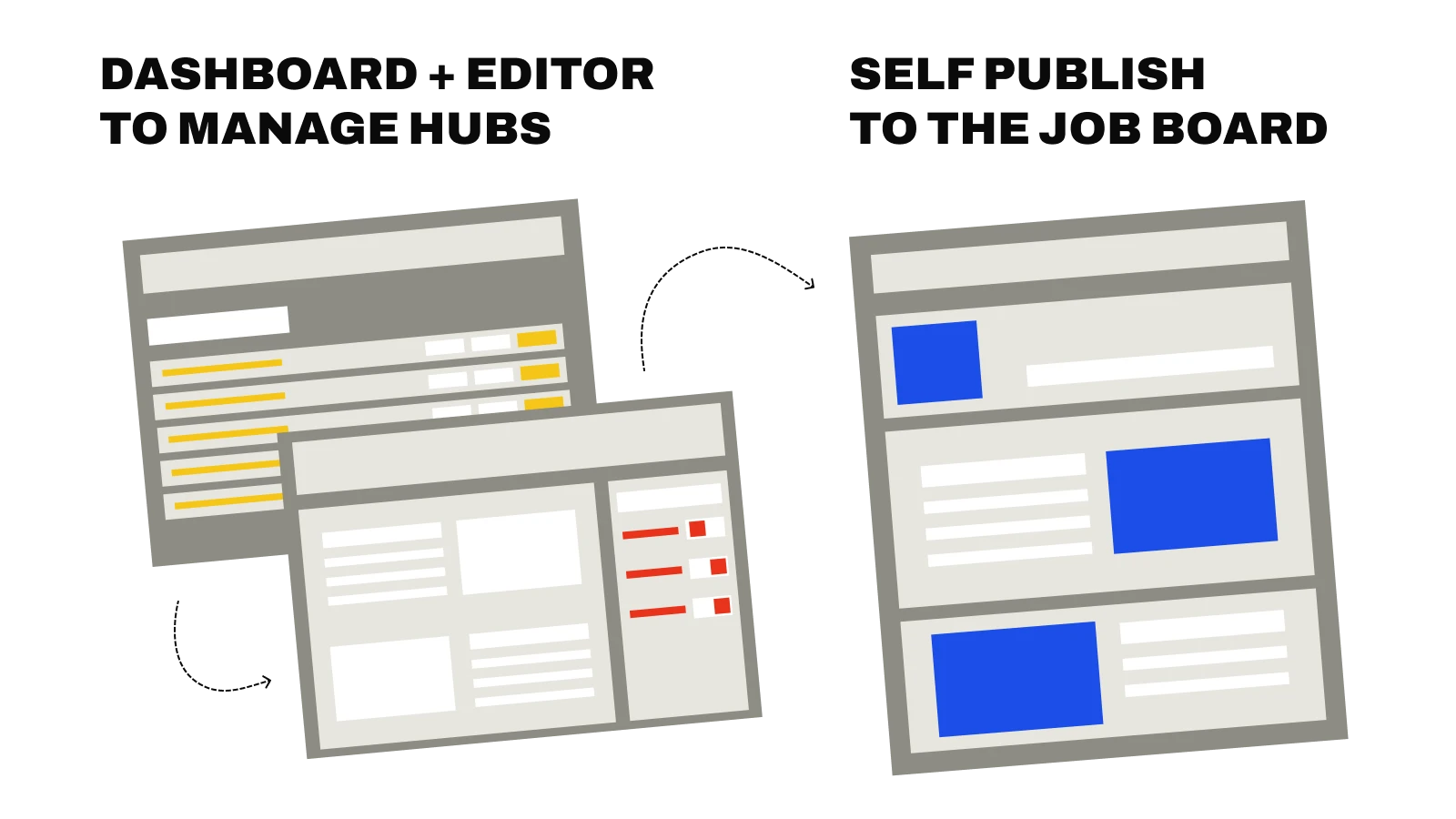
Clients assemble hubs from content sections including text, images, and branded containers, which they self-publish to their career centre. No developer or design resource required.
Product scope
Early exploration through flows, diagrams and analysis
Some of the processes and artifacts used to discover the ideal user journey, and agree on a product structure with key stakeholders
Swipe
The design direction was clear,
Stakeholder management was the Challenge
A failed product impacted the teams judgement
The same team had shipped a similar product before, that failed due to a misunderstanding of the market need.
- Increased team scrutiny. The project team had lost confidence and heavily scrutinised anything that diverged from the previous failed project, leading to an increased need for stakeholder management.
- PM cost savings. The PM wanted to reuse old designs from the previous project as this was cost efficient for development. Any extra work requested was a direct extra cost, requiring more advocacy than usual.
I was the sole designer, new to this project, with no involvement in the predecessor. I owned the strategy, research, IA, user flows, and UI. Before I could push the work forward, I had to prove my judgment was worth trusting.
Clients wanted design freedom they weren't trained for
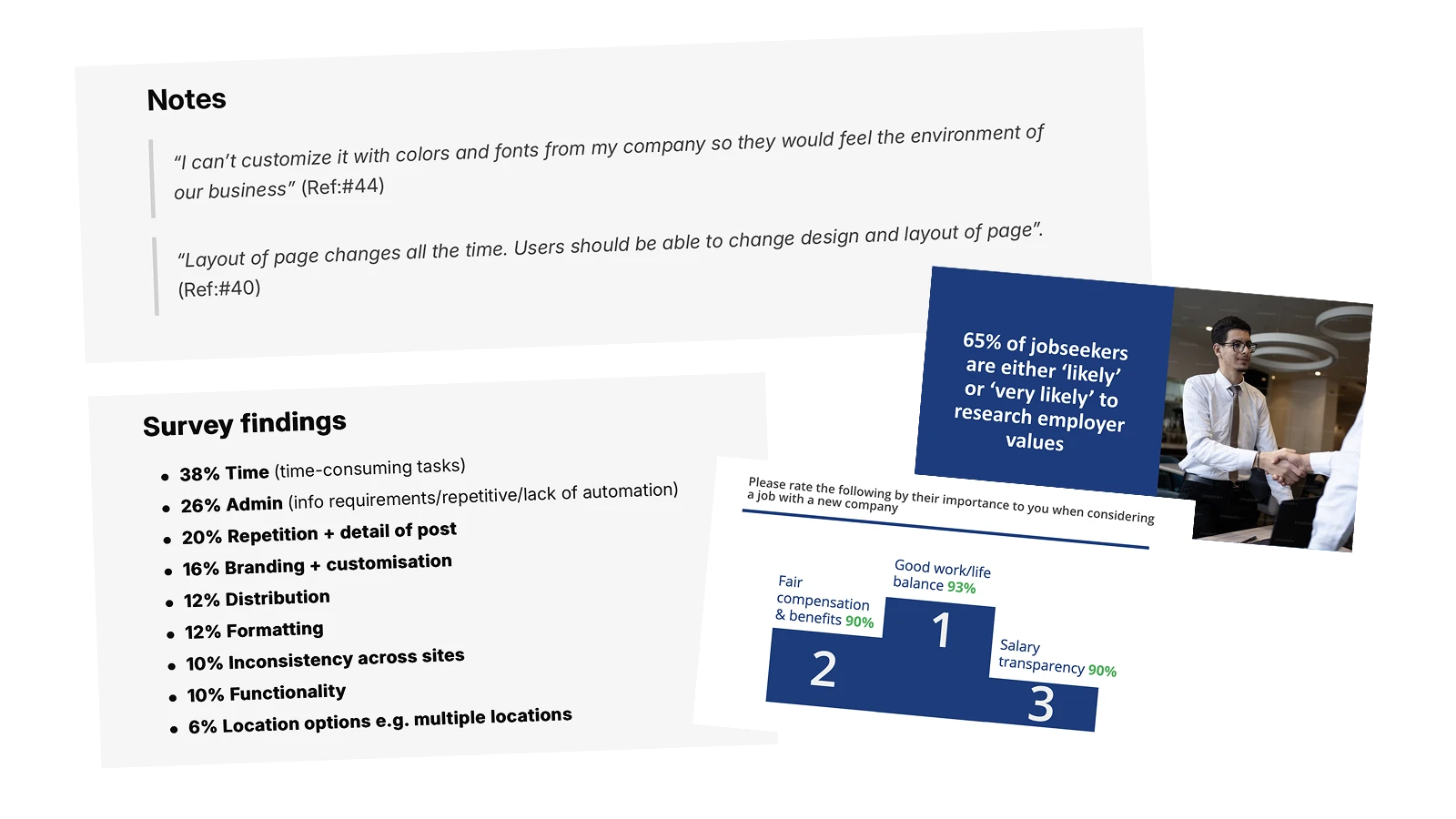
Through research with clients, marketing teams, CSMs and site owners, I found the tension that defined the project. Clients wanted full creative control of the employer hubs they were building, but lacked the expertise to use it well. Only 1 in 6 clients interviewed understood basic accessibility.
- Unlimited structural control
- Freeform colour options
- Pixel-perfect customisation
- Designs that match employer's career site exactly
- Smart constraints
- Accessibility guardrails
- Design-vetted templates
- Forgiving, responsive layouts
Research evidence
Design tools give users complete creative freedom
but our users were not designers.
Using beta testing to support my approach
The PM wanted full colour customisation across the product and the developers had reusable code ready to go. My theory from the research was that our users needed better constraints to produce great pages — but I was new to this team, and pushing against more user control sounded like repeating the mistake that killed the last project.
My compromise: limit full colour customisation to one section, test with beta users, and measure the outcome. Across six users over one month, 5/6 created inaccessible sites with the tool we offered. The evidence proved our users needed controlled guidance.
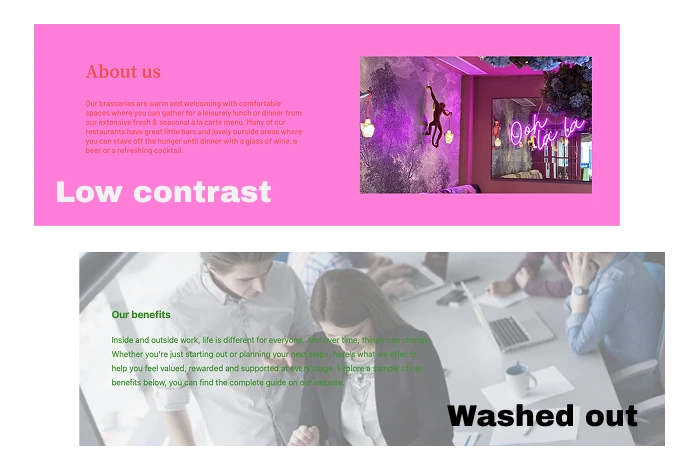
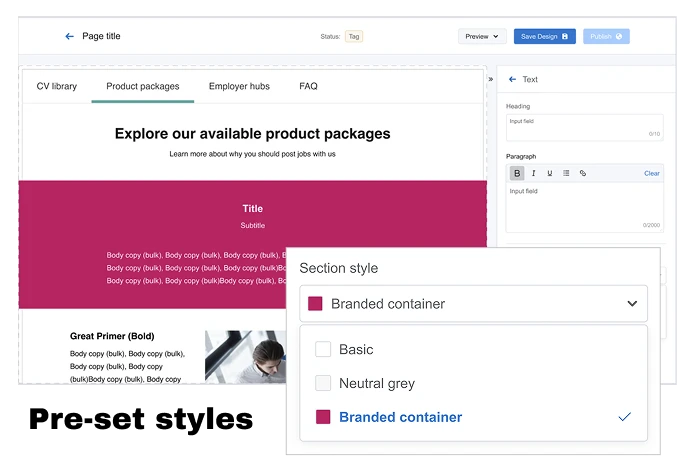
My alternative: Section Styles. Three preset text and background combinations built from design system brand tokens, all WCAG 4.5:1 compliant.
Plain white, neutral grey, and a branded container.
Users still got visual variety across their hub, but every option was accessible by default. Simple choices, professional outcomes.
Rolling back the beta
Rolling back the beta required a late-night maintenance session to republish all sites with defaults. This would be very difficult now at 2,000+ live hubs. But it built lasting trust in my design judgment, and Section Styles became the standard across the platform.
Our Users needed constraints and guidance
for consistent, high quality results
Scaling the controlled design approach across the product
Guidelines that defined the product
Smart constraints
Pre-built components with limited customisation.
Responsive by default
Layouts adapt automatically across devices.
Accessibility guardrails
Brand colour presets, readable contrast, image ALT text. Guaranteed compliance.
No design knowledge required
Marketing teams and CSMs can build professional sites with ease.
Scalable and adaptable CMS
A design system of menus and components that scale across a variety of clients, whilst maintaining usability.
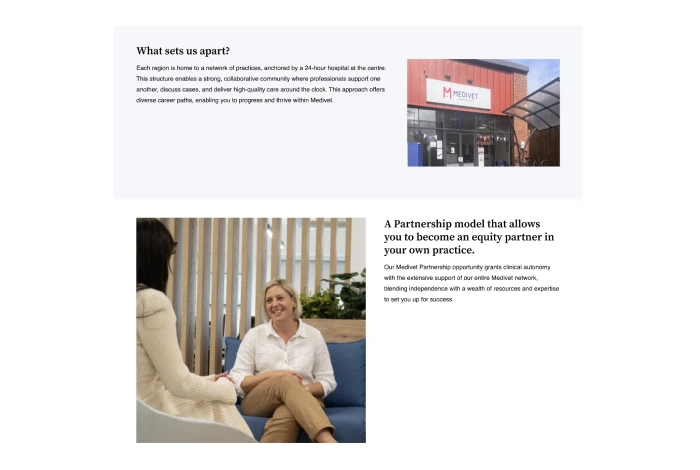
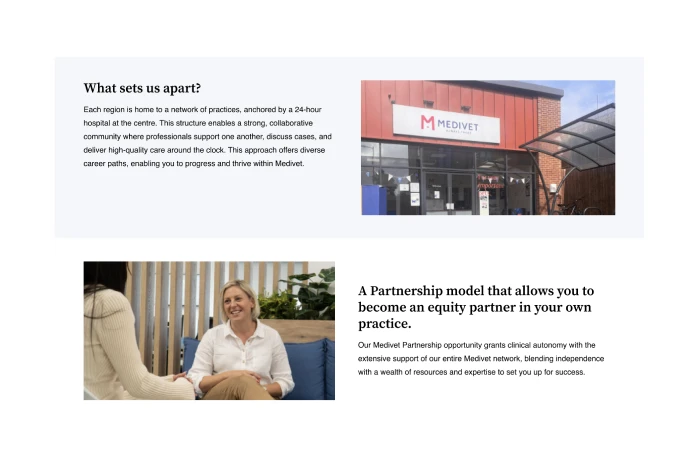
Fixed frame images instead of native resolution
The team wanted to use native resolution for image uploads as it was the easiest way to implement the feature. Based on my research I was concerned about our users’ lack of understanding of appropriate image resolution.
I advocated for fixed image frames with transparent backgrounds and fill/zoom controls. Accepting occasional grainy images for consistent and responsive layouts.
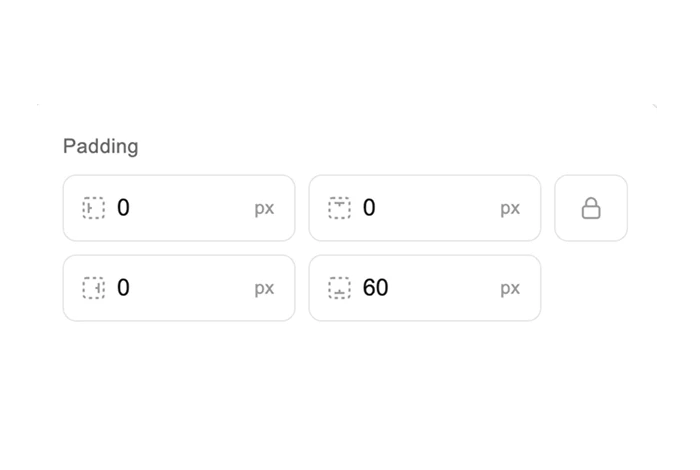
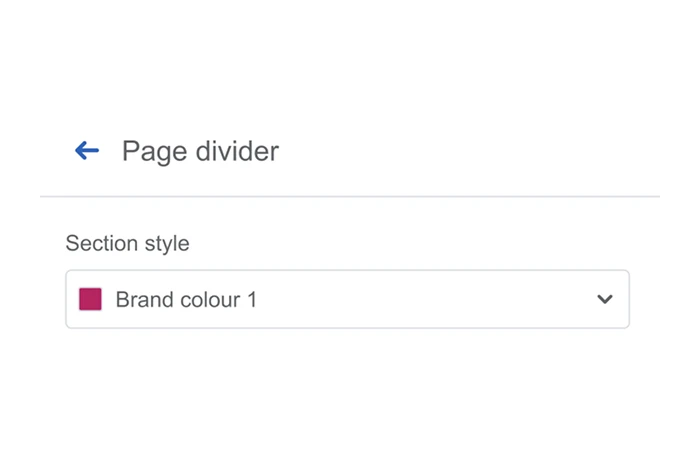
Page dividers over padding control
A client requested that we give them pixel-perfect padding control for every part of their site.
This time I was able to push back and advocate for further investigation and an alternative approach.
The client was having difficulty organising long text content. So instead we provided drop-in page dividers, choosing consistency over freedom.
Building team engagement with team-wide user testing
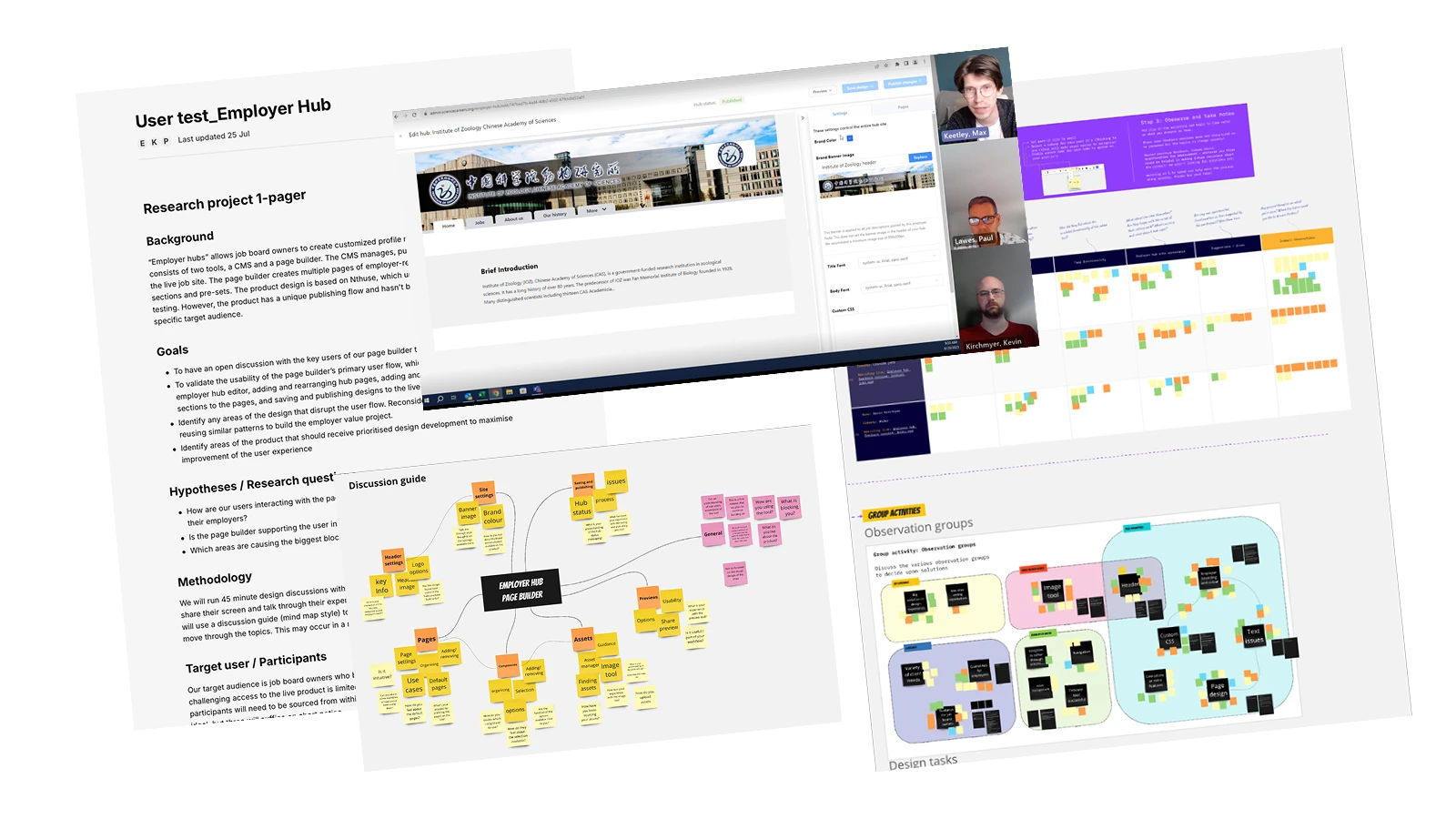
I invited the entire sprint team to observe user testing and take part in an insights and solutions workshop.
The team found it highly rewarding to see their hard work performing well with users, and came away with plenty of great insights and ideas to improve the product. We tested with 6 users of varying design experience.
- No usability issues after onboarding — users understood how the product functioned with relative ease
- All experience levels published professional-looking hubs independently
- Preview and share flow used to visualise and share hubs without issue
- Section variety met expectations on most occasions (66%)
- Complete design-system overhaul for hub pages and content — padding, font sizes, component structure, branding approach
- Fixed image spacing and scale issues
- Asset guidelines to support gathering appropriate assets
- Barriers around CSS code options in the editor
Research evidence
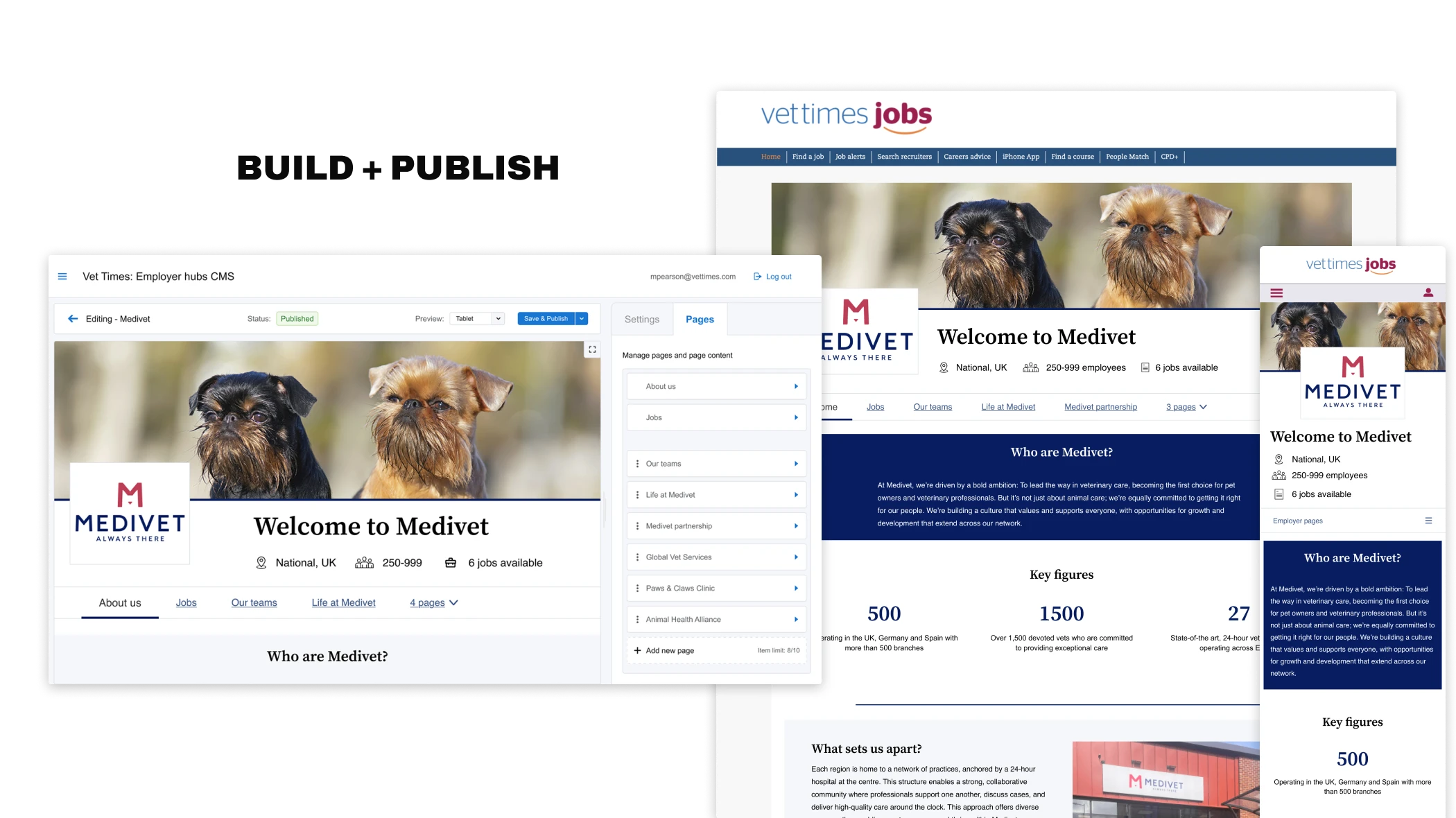
Manage, design, preview and publish
Manage hubs on a dashboard, edit pages, design content in an editor, preview in browser, and publish directly to the live site.


 Guardian Jobs
 Leisure Jobs
 Science Careers
 Vet Times
Positive results and a scalable product
It's all easy enough to use. It makes sense and it's very user-friendly.
The difference between the two is night and day. It's a lot easier on Employer Hub.
What I learned
Testing builds credibility
If I had the confidence I had today, I may have pushed harder against colour customisation. But the beta approach built my credibility through shared evidence and my own confidence in the design process. The team saw the problems themselves, not just heard me predict them. This created lasting trust that served the entire project.
Beta feedback is noisy
Opening up a beta generates a lot of input, but users' prescribed solutions aren't always the real need. Two beta users asked us to extend colour control further, which would have made the problem worse. I'll always question whether feedback fits the design ethos before acting on it. Our job is to solve the underlying need, not implement the suggested fix.
AI employer profiles
The biggest barrier that remains is the workload required of small teams to set up many of these sites themselves. The next step is to examine how we can assist our users in creating employer hubs at pace.
I am currently exploring AI employer profiles. Using an LLM to scrape data from verified sources (such as the employers career site) and use it to produce a standardised employer profile. This has been successful in text-only documentation. The next step is to collaborate with developers to integrate this process with the employer hubs tooling.